
- Apps
- Terra Montessori

Terra Montessori
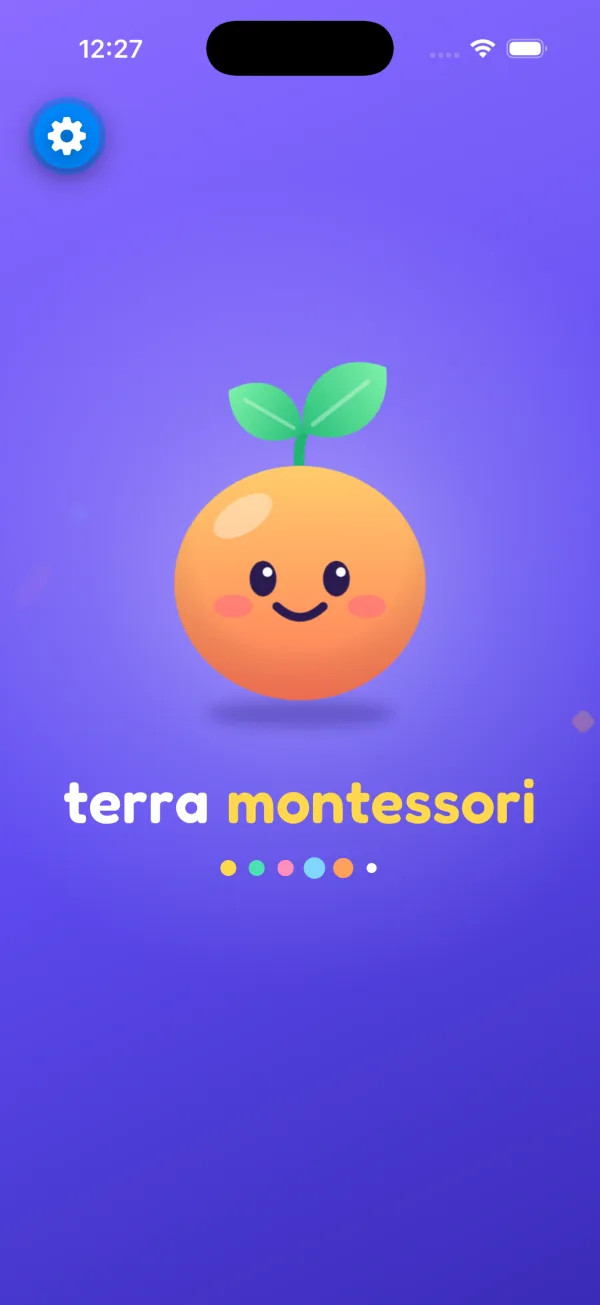
Hands-on Montessori materials for children aged 3 to 7. They trace, stack, match and count with their fingers, and each material quietly shows them when something is out of place.
- iPhone, iPad and Android
- No ads
- No accounts
- Works offline
Now in beta on TestFlight. Coming to the App Store and Google Play.
Six materials, made to be touched
Each one isolates a single idea, just like the wooden originals in a Montessori classroom. Guided modes add gentle hints when a child wants them.
Pink Tower
Ten pink cubes to stack from largest to smallest on a work rug. In guided mode, the rug gives a little shake when a cube is out of order.
Ages 2½ to 4Red Rods
Ten rods arranged into a staircase, from shortest to longest, introducing equal steps of length.
Ages 2½ to 4Color Tablets
Three boxes: pair the primary colors, match eleven colors, then grade seven shades from lightest to darkest.
Ages 3 to 5Sandpaper Letters
Trace each letter with a finger on a sandpaper texture and hear its sound. Vowels and consonants each have their own color.
Ages 3 to 5Golden Beads
Units, ten bars, hundred squares and thousand cubes. Build any number to 9,999, then try simple addition.
Ages 4 to 7Moveable Alphabet
Build words and sentences before a pencil is comfortable, then hear them read back aloud.
Ages 4 to 6
A look inside
For the grown-ups
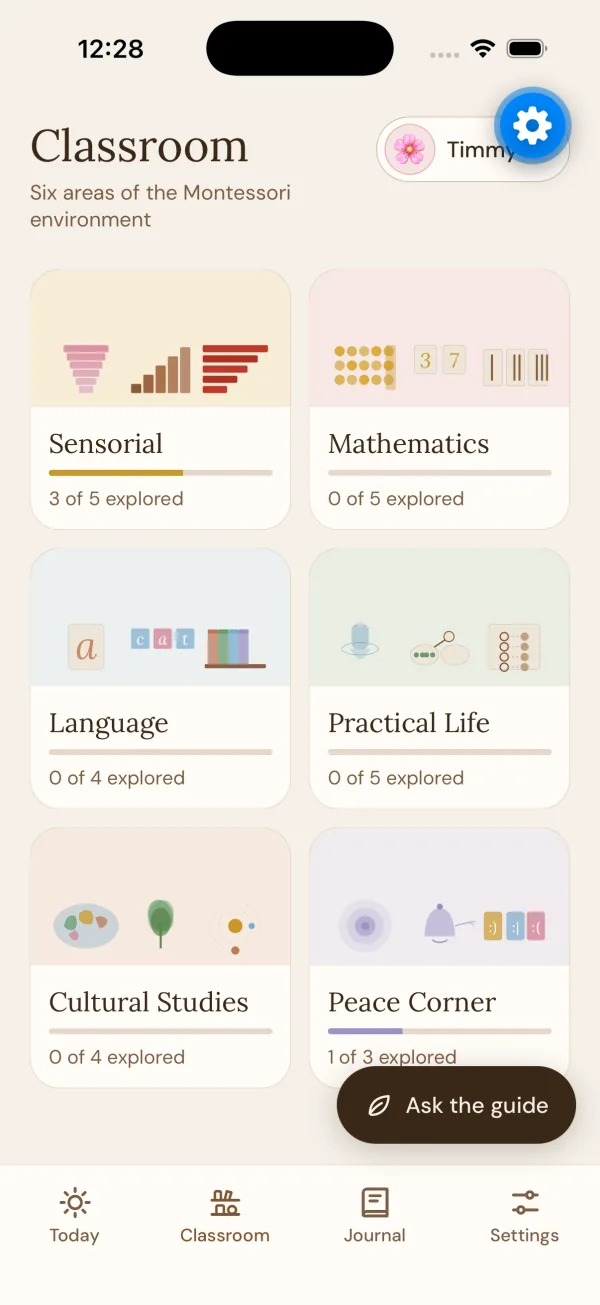
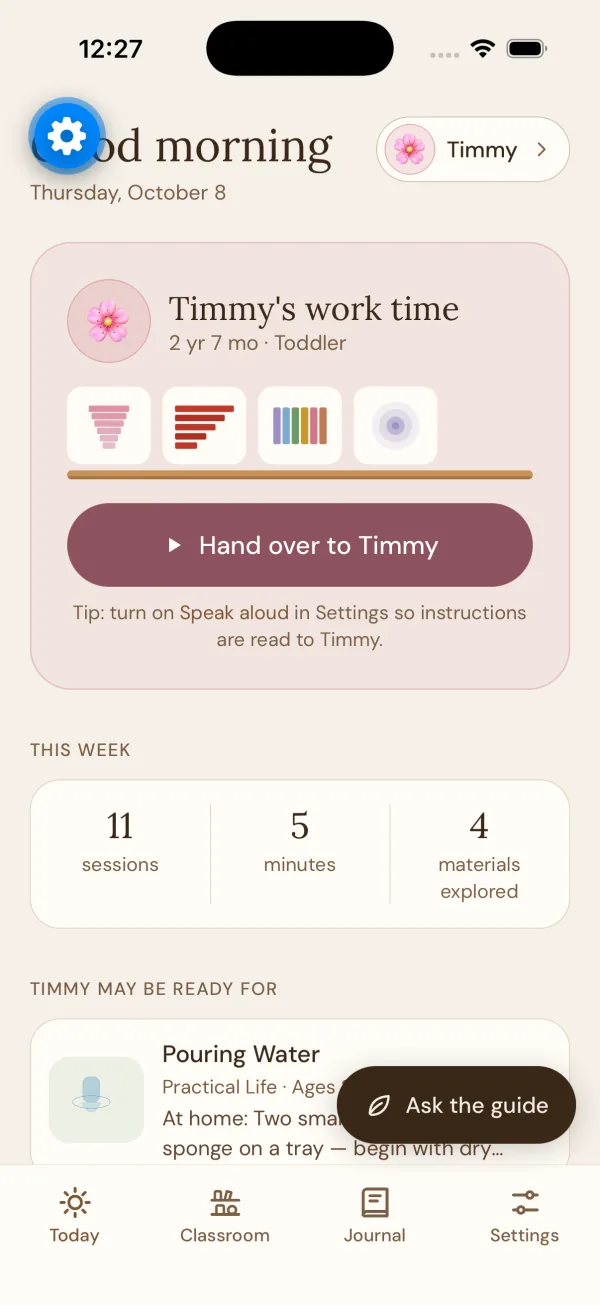
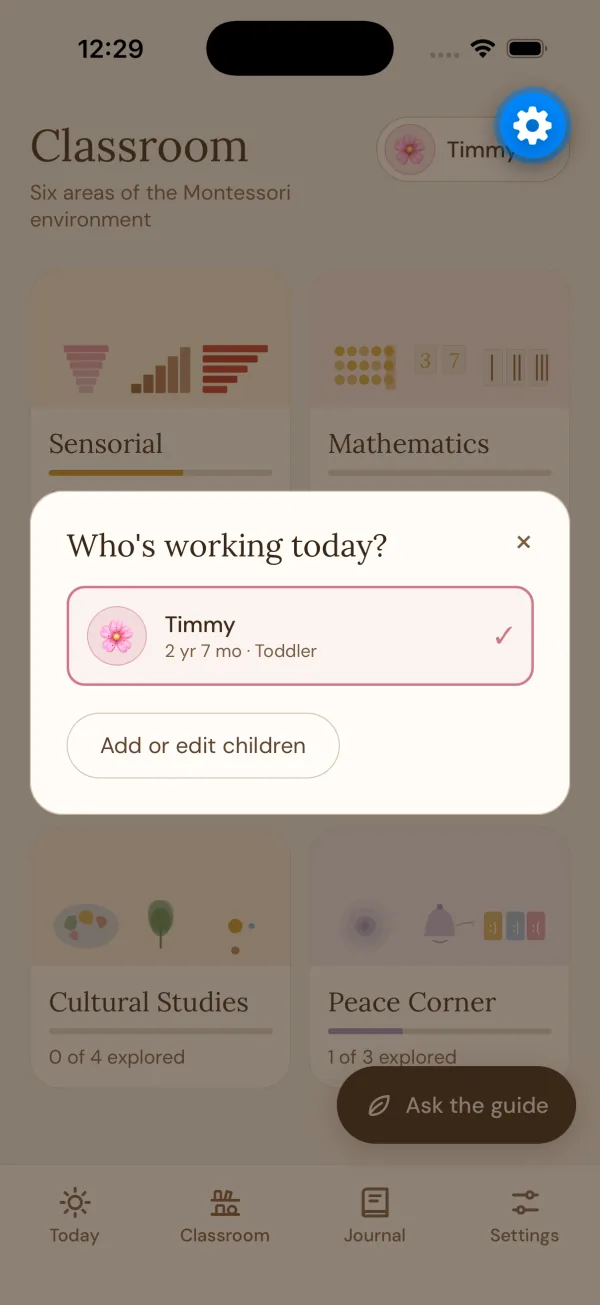
A separate parent area explains what each material teaches and what to look for, without turning play into a report card.
Progress as observation
See which materials your child returns to and how long they stay. No grades, no streaks and no comparisons with other children.
The Montessori Guide
Ask questions about a material or a stage of development and get a thoughtful answer. The Guide uses AI and needs an internet connection; everything else works offline.
A peace corner
A breathing exercise with a slow, expanding circle, for moments when a child (or a parent) needs to settle.
Privacy, plainly
The child-facing part of Terra Montessori collects nothing. The only feature that sends anything off the device is the Guide, and only when a parent writes to it.
| Question | Answer |
|---|---|
| Ads or ad tracking? | None |
| Third-party analytics? | None |
| Account or sign-in? | Not required |
| Microphone or camera? | Never used |
| Letter sounds and read-aloud | Spoken by the device itself |
| Guide questions | Sent to answer them, not stored by us |
Try it before everyone else
Terra Montessori is in beta. Beta testers get new materials first and help shape what we build next.
On iPhone and iPad, invitations arrive through Apple’s free TestFlight app. The Android beta follows soon.
Need a hand?
Support and questions
Answers to common questions, and a quick way to report a problem. Terra Montessori support
Your data
How to clear what Terra Montessori keeps on a device, or ask us to delete anything we hold. Delete your data